
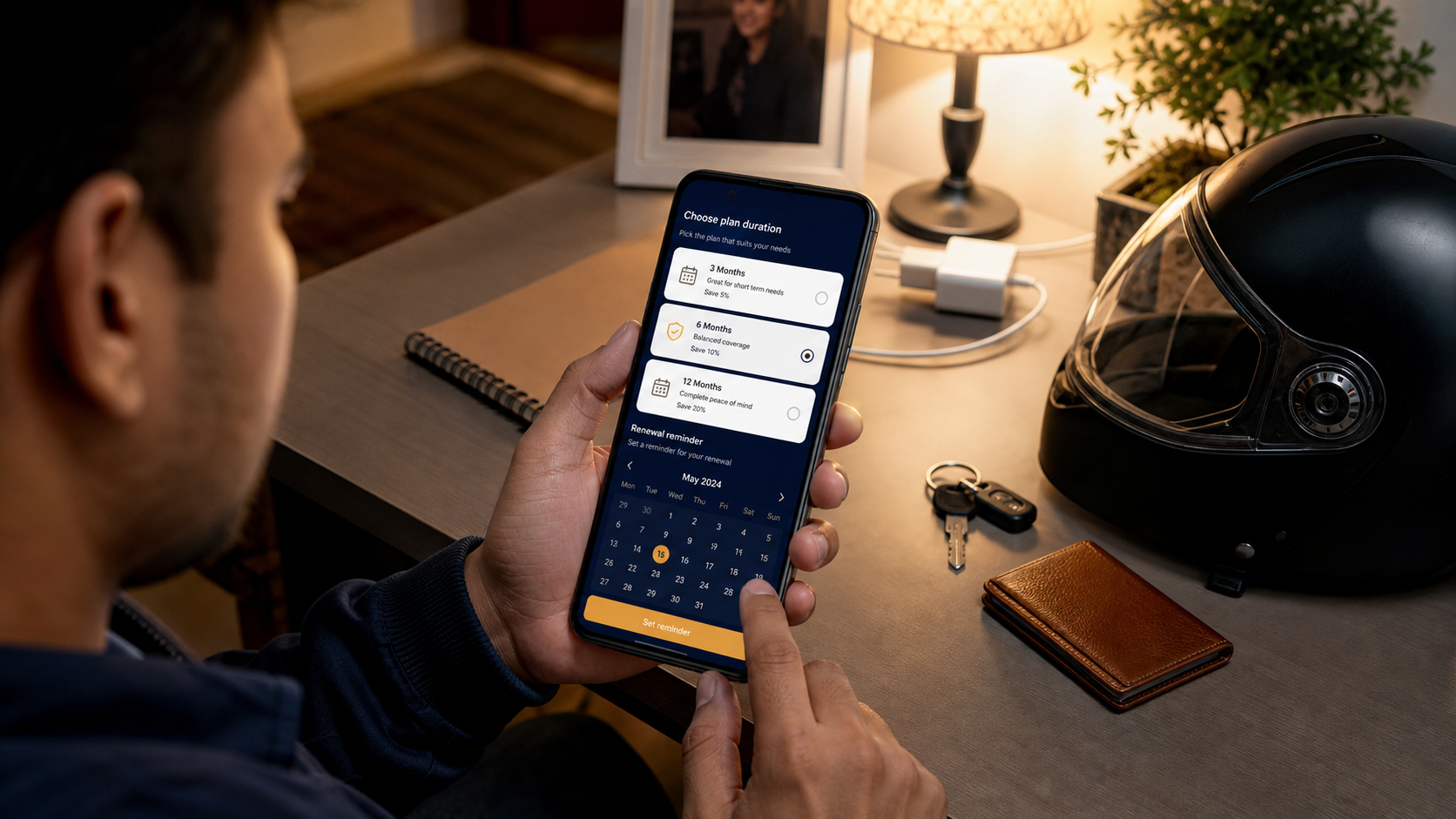
Choose a duration around your actual work schedule. Confirm device compatibility and the checkout amount before choosing a longer plan.
Separate access from work availability
A RiderAcceptor plan provides app access for its stated duration. It does not create demand on ride or delivery platforms, guarantee earnings or replace an active account on those platforms. Choose a plan because you intend to use the utility, not because you expect a particular number of jobs.
Prices and available durations should be checked inside the app and on your current checkout. Saved screenshots and old messages may describe an earlier offer.
Compare your intended use
| Your situation | What to consider | Check before paying |
|---|---|---|
| First setup on a new phone | A shorter available duration for evaluating your routine. | Sign-in, permissions and the work screens you use. |
| Occasional or weekend work | A duration that covers your planned work window. | Whether access continues through non-working days. |
| Regular daily use | A longer available duration once setup is stable. | Current expiry and the exact renewal price. |
| Phone change or unresolved issue | Resolve compatibility or account questions first. | Support advice and the correct signed-in account. |
Understand calendar duration
Do not assume unused working hours become extra access days. Review the expiry shown in the app and ask support if your plan description is unclear. If you work three days during a seven-day access period, the other four days are not automatically banked as future shifts.
Divide the checkout price by the stated number of days to compare the cost per calendar day. Then consider how many of those days you actually expect to use. A lower daily rate is not automatically better value if you need only a short window.
Check a renewal carefully
- Note the account email and current expiry before checkout.
- Select the intended duration and confirm the amount shown by the server.
- Complete one payment, then check both payment status and app access.
- Compare the new expiry with your previous expiry. Keep the order ID if it looks wrong.
The current payment flow is designed to add purchased days to remaining active access. A paused or suspended account requires separate handling; a successful payment is not a promise that an account restriction will be removed. Repeated status checks should not credit the same order twice.
Avoid a second purchase to fix the first
If a payment is pending or access has not appeared, use the payment-status flow for that order. Buying a different plan immediately can create two transactions without resolving the original issue.
Before asking about a renewal, collect the old expiry, selected duration, order ID, payment time and current app status. This is more useful than a message saying only that the plan is not working.
Common questions
Can I change plans while a checkout is unfinished?
The app may keep one unfinished checkout for your account. Resolve that order or follow its expiry guidance before starting a different plan.
Does a longer plan guarantee support will fix my phone?
No. Check compatibility and unresolved problems before extending access. For cancellation or refund questions, read the published refund policy and contact support.