
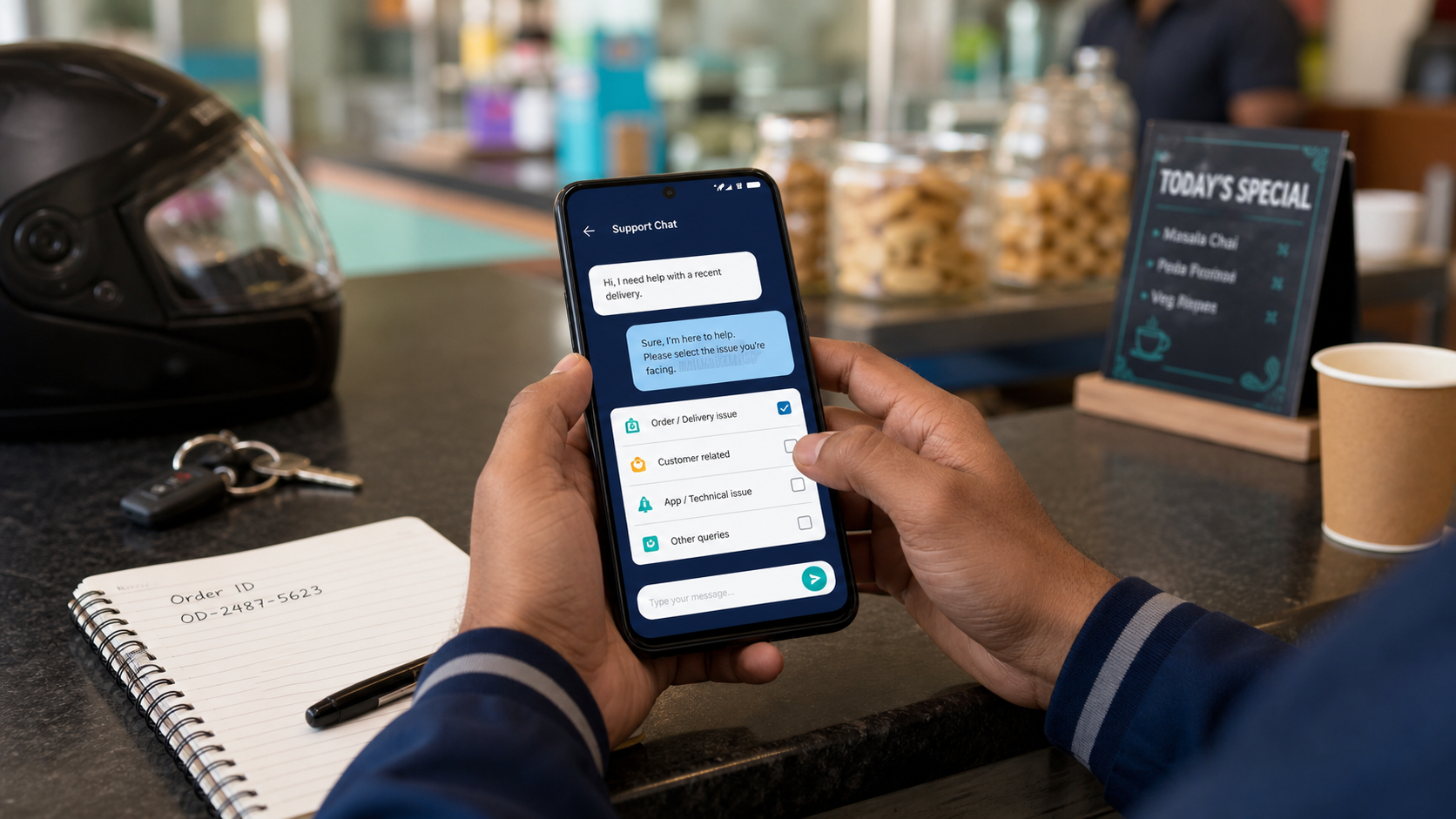
Send one clear message with the account, order or device details relevant to the problem. Include the exact error and what you already tried; leave out passwords and payment secrets.
Choose the problem type
Start with a specific subject: "Payment debited, plan pending", "Fare rule not matching" or "Automation stops after switching apps". This tells support what to investigate without guessing from a screenshot.
Use the same conversation for follow-ups to one issue. If you later notice a different problem, say what changed. Several messages with different account details can make the history harder to follow.
Copy this message template
Select the text below, copy it and replace the brackets. Leave out fields that do not apply.
This form does not send anything. Use the contact page to send your completed message through the published support channel.
Include the right evidence
| Issue | Include | Do not rely on only |
|---|---|---|
| Payment or activation | Account email, order ID, amount, time and current status. | A cropped success icon with no reference. |
| Fare or distance filter | Saved rules, detected request values and app versions. | "It did not accept" with no example. |
| Background failure | Screen state, battery setting and the result of one controlled test. | A list of unrelated settings you changed. |
| Website will not open | Public page address, page title and time of the issue. | A private checkout link containing its session token. |
Protect sensitive details
Never include a password, OTP, UPI PIN, card security code or service-account file. For a checkout problem, the order ID is preferable to sharing the complete private checkout URL.
Hide unrelated balances, transactions, customer addresses and notification content. Keep the relevant error text visible. If you are unsure what a screenshot contains, write the error message in plain text first.
Follow up with useful changes
If support asks for a test, perform it while stopped and report the result precisely. For example: "I saved the 5 km limit, reopened the app and the same setting is still visible. The next request showed no distance." This helps distinguish saving a preference from detecting a value.
Keep the order ID and original issue together until the case is resolved. If you receive a payment update, check the same signed-in account in the app and report the displayed access state. Sending another payment is not a troubleshooting step.
Common questions
How quickly will support reply?
Response times vary. This guide does not promise a fixed response time; complete details reduce the need for repeated clarification.
Can I send only my phone number?
Include the registered account email and relevant order ID too. Support needs enough information to distinguish accounts and transactions.